Privacy & your choices
Read how AI Hairstyle handles your information and explains your account and data deletion options.
Read the Privacy PolicyAI Hairstyle · The personal edit
A little inspiration. A look of your own.
Explore hairstyles and create a personalized AI preview using your photo. Start with a style that catches your eye.
By QUANPOINT TECHNOLOGY CO., LTD.
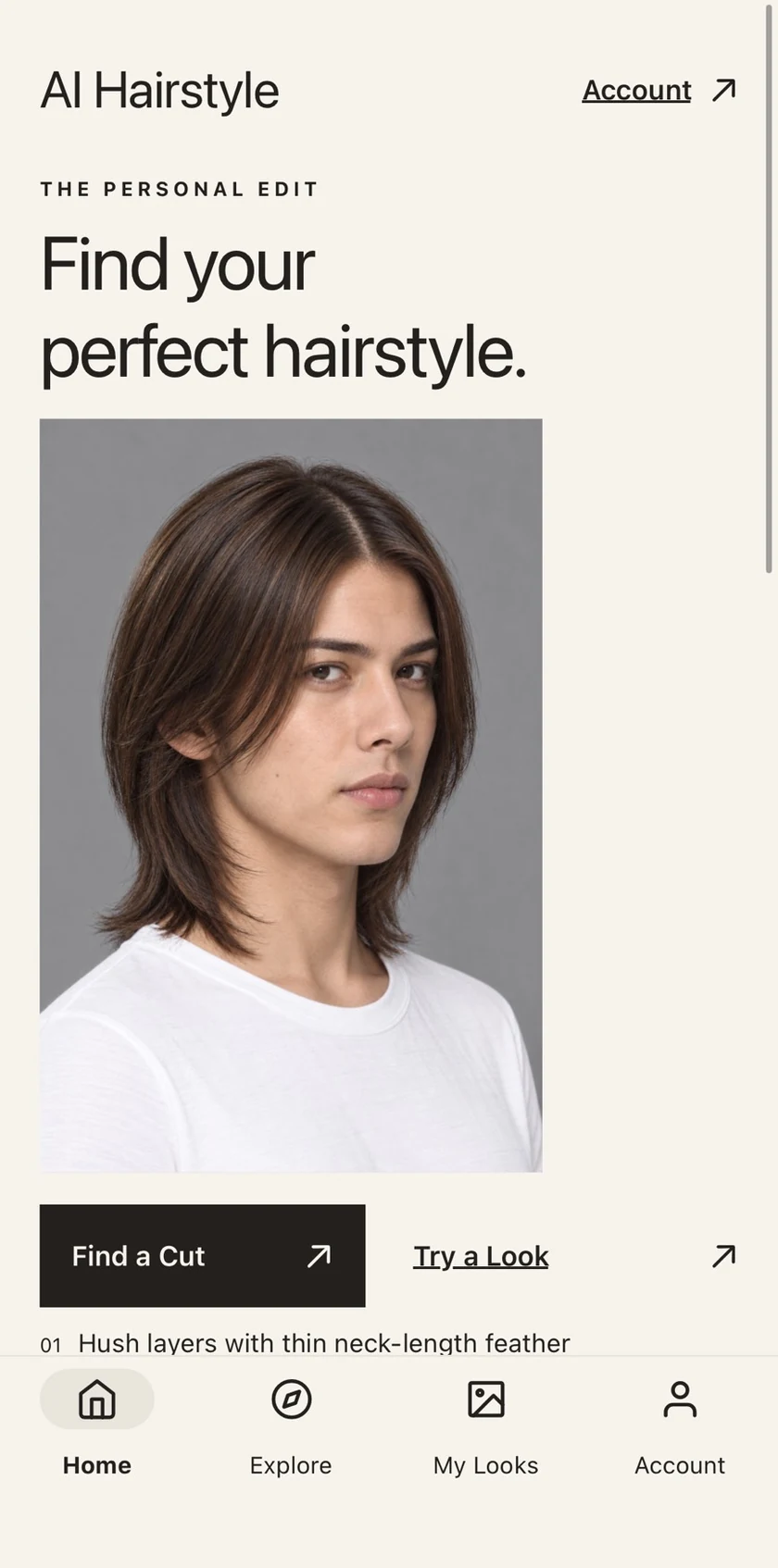
01 / Explore
Browse hairstyle options, explore the catalog, and use filters to find styles you want to try.
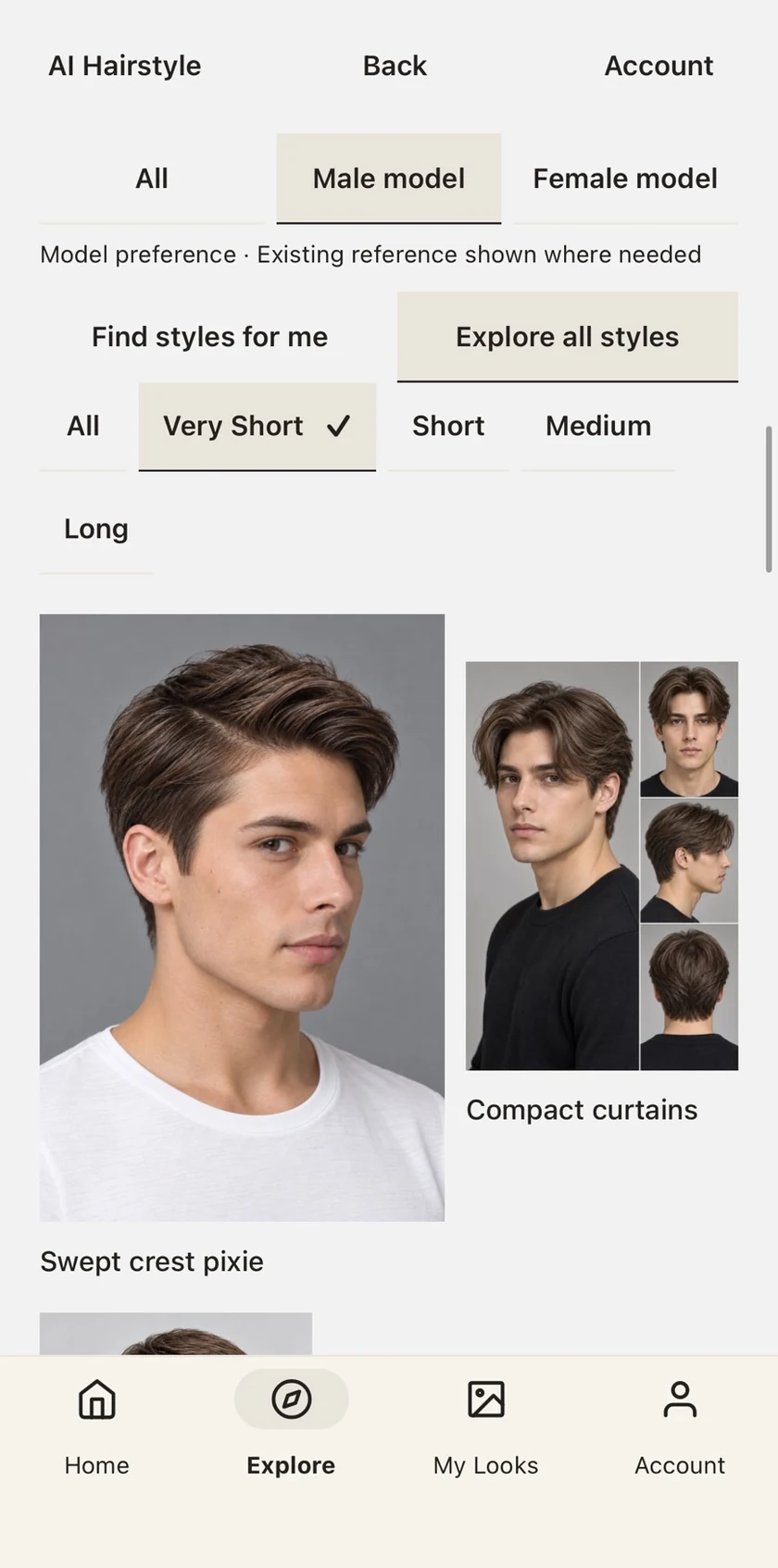
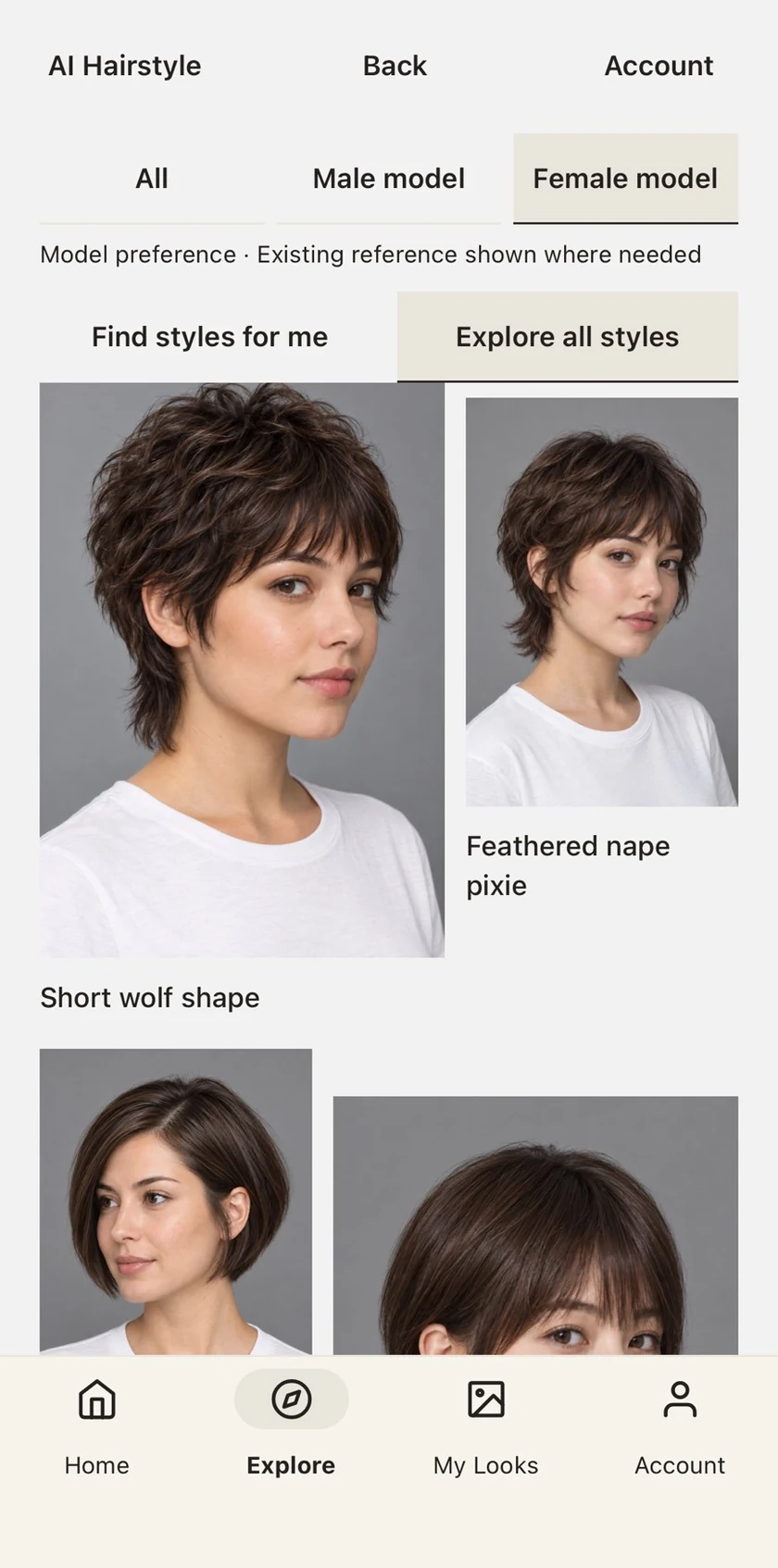
02 / Try a Look
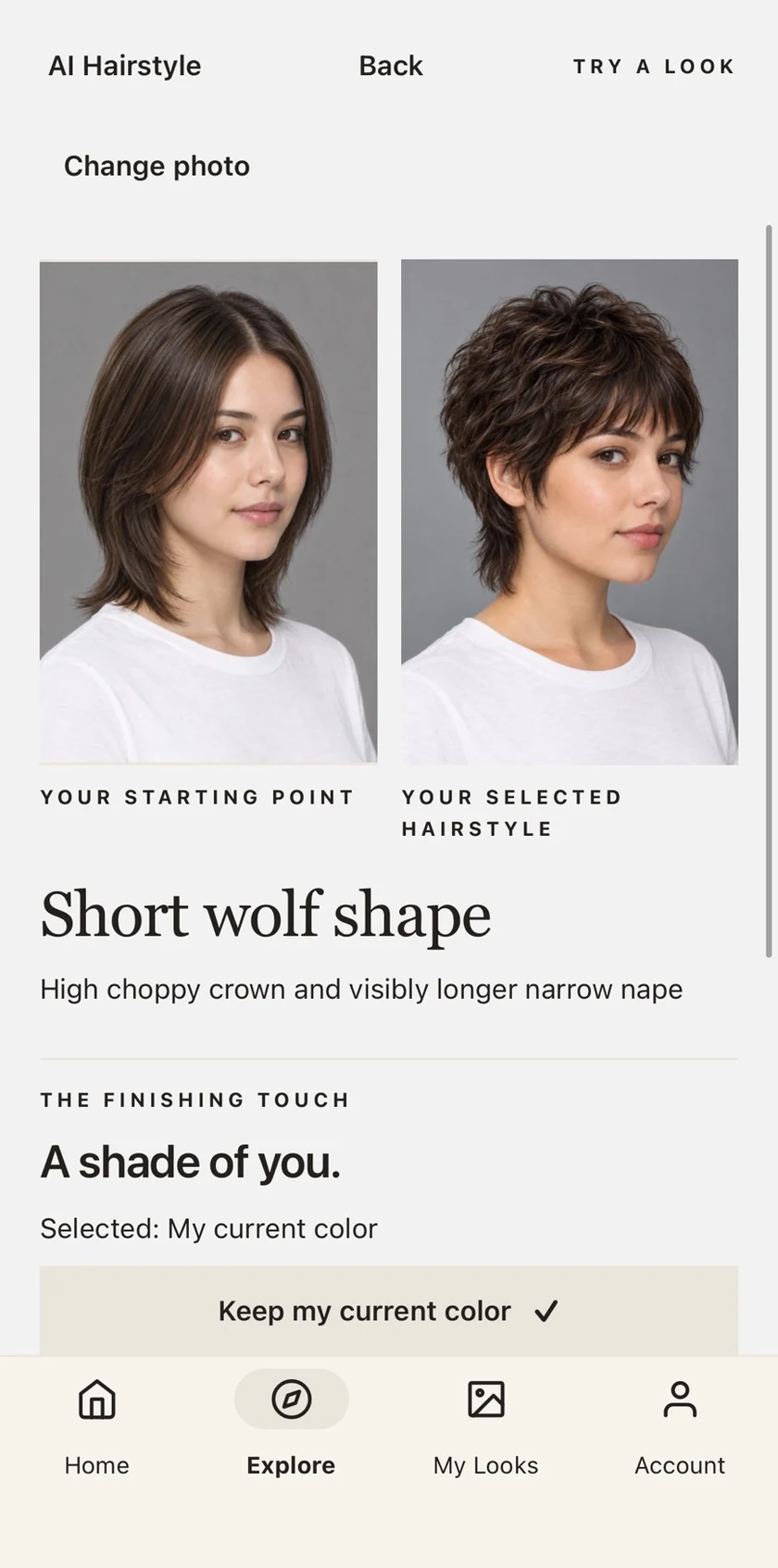
From a style you like to a personalized preview.
Select a look you would like to explore.
Sign in when prompted to use personal photo features.
Preview the selected hairstyle and review your available results in My Looks.
AI previews offer styling guidance. They do not guarantee an identical real-world haircut or color result.
03 / Here to help
Read how AI Hairstyle handles your information and explains your account and data deletion options.
Read the Privacy PolicyFind help with photos, previews, your account, and purchases, or contact our team.
Visit Support